An AI voice agent that answers your calls so you never miss a customer
customer service
speech to text
conversational ai
ai receptionist
appointment booking
ai voice agent
twilio
text to speech
9 min read
18 views
Why missed calls quietly cost you customers
For many businesses, the phone is still where the money is. A new customer calls to book, to ask a price, or to check if you can help, and if nobody answers, most of them do not leave a voicemail. They simply call the next business on the list. An AI voice agent fixes this by answering every call, at any hour, in a natural voice, so a missed call stops being a missed customer. In this guide I will explain what an AI voice agent is, what it can and cannot do, how it works in plain English, and, for your technical team, how to build one step by step.
Think about how many calls come in after hours, during lunch, or while your team is already on another line. Each of those is a person ready to spend money, and right now many of them slip away in silence. The cost is invisible, because you never see the customer you did not win, which is exactly why it is so easy to ignore.
What an AI voice agent actually does
An AI voice agent is software that answers the phone and holds a real conversation with the caller. It is not a clunky "press one for sales" menu. It listens, understands, and replies in a natural voice, and it can take real actions like booking a slot in your calendar.
Answers every call, day and night
The agent picks up on the first ring, every time, with no holidays, no sick days, and no busy signal. Whether it is two in the afternoon or two in the morning, the caller gets a warm, helpful answer instead of voicemail.
Books appointments and answers common questions
Most calls to a small business are similar. What are your hours, do you have anything free on Friday, how much does this cost, where are you based. The agent answers these instantly, and it can book, move, or cancel an appointment by talking to your calendar, so simple jobs are handled without a person.
Knows when to pass a call to a human
A good AI voice agent is honest about its limits. When a call is urgent, sensitive, or just outside what it can handle, it says so and transfers the caller to a real person or takes a message. The goal is to help, not to trap people in a robot loop.
How it works, in plain English
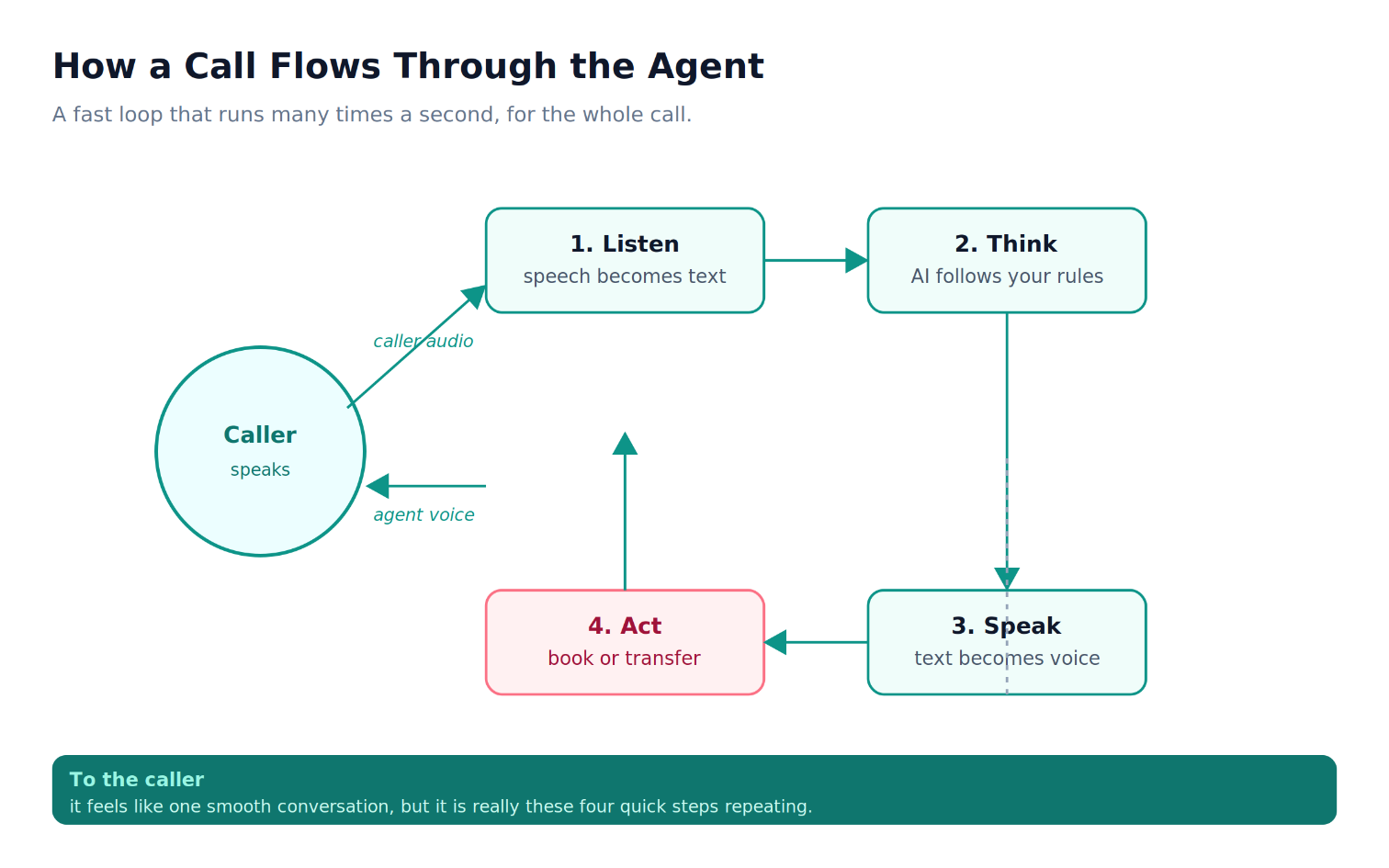
Under the hood, the agent repeats a simple loop, many times a second, for the whole call. First it listens to what the caller says and turns that speech into text. Then it decides how to respond, using a language model that follows your instructions and your business rules. Then it turns its reply back into a natural voice and speaks it. If the reply needs an action, like booking a slot, it does that too. To the caller it feels like one smooth conversation, but it is really these four steps, listen, think, speak, and act, running in a fast loop.
The important part is that you stay in control of what it says and does. You tell it who you are, what you offer, what it is allowed to book, and when it should hand over to a human. It follows those rules on every single call.
For your developers: building an AI voice agent step by step
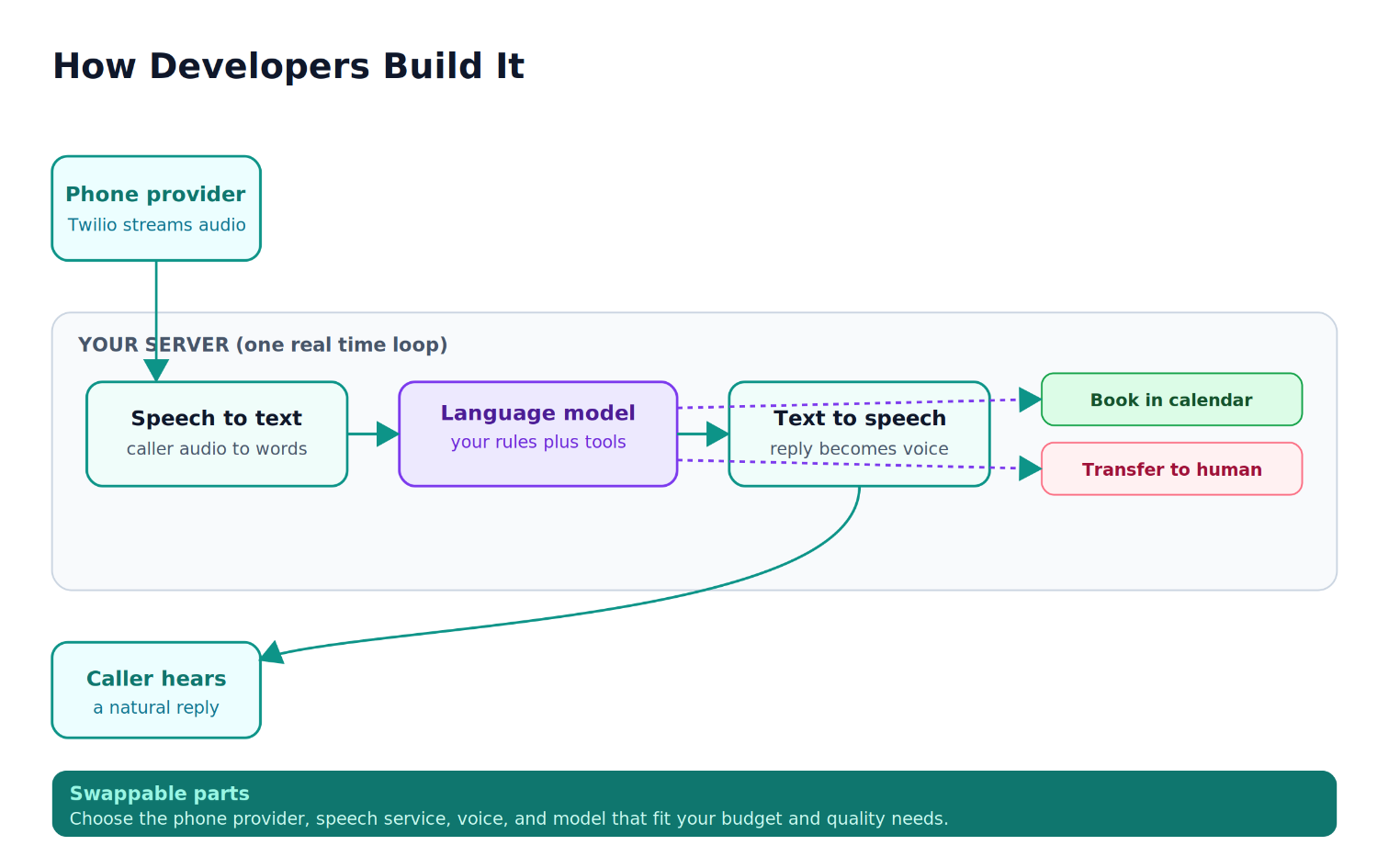
If you have a developer, here is the path they would follow. The pieces are well established now, and they fit together cleanly.
Step 1: Answer the call and start streaming the audio
A phone provider like Twilio connects the call to your server and streams the caller's audio to it in real time.
import express from "express";
const app = express();
// Twilio calls this when the phone rings. We answer and start streaming audio.
app.post("/voice", (req, res) => {
res.type("text/xml").send(`
<Response>
<Connect>
<Stream url="wss://your-server.com/media" />
</Connect>
</Response>
`);
});
Step 2: Turn speech into text
As the audio arrives, a speech to text service converts it into words your code can use.
import { WebSocketServer } from "ws";
import { transcribe } from "./speech.js"; // your speech to text provider
const wss = new WebSocketServer({ path: "/media", server });
wss.on("connection", (socket) => {
const sttStream = transcribe(); // send audio in, get text back
socket.on("message", (msg) => {
const data = JSON.parse(msg);
if (data.event === "media") {
sttStream.write(Buffer.from(data.media.payload, "base64")); // caller audio
}
});
sttStream.on("transcript", (text) => handleCallerText(socket, text));
});
Step 3: Decide what to say
The text goes to a language model with a clear system prompt that describes your business and the actions it is allowed to take. This is where your rules live.
const messages = [
{
role: "system",
content:
"You are the friendly receptionist for Bright Smile Dental. " +
"Answer briefly, book appointments using the tools, and offer to " +
"transfer to a human for anything urgent or unclear."
}
];
async function handleCallerText(socket, callerText) {
messages.push({ role: "user", content: callerText });
const reply = await llm.chat({
messages,
tools: [bookAppointmentTool, transferToHumanTool] // actions it can take
});
messages.push(reply.message);
await speak(socket, reply.message.content); // step 4
await runAnyTools(socket, reply); // step 5
}
Step 4: Speak the reply
The model's reply is turned back into a natural voice and sent into the call, so the caller hears a smooth answer.
import { synthesize } from "./tts.js"; // your text to speech provider
async function speak(socket, text) {
if (!text) return;
for await (const audioChunk of synthesize(text)) {
socket.send(JSON.stringify({
event: "media",
media: { payload: audioChunk.toString("base64") }
}));
}
}
Step 5: Take real actions
When the caller wants to book or needs a person, the agent calls a tool that does the real work, like writing to your calendar or transferring the call.
async function runAnyTools(socket, reply) {
for (const call of reply.toolCalls ?? []) {
if (call.name === "book_appointment") {
const slot = await calendar.book(call.args); // write to your real calendar
await speak(socket, `You are booked for ${slot.time}. See you then!`);
}
if (call.name === "transfer_to_human") {
await transferCall(socket, "+1XXXXXXXXXX"); // hand the call to a person
}
}
}
That is the whole loop. Each piece is swappable, so your team can choose the voice, the speech service, and the model that fit your budget and your quality bar.
Getting it right: the details that make customers trust it
A demo is easy. A voice agent that customers actually like takes a little more care.
Keep it fast
On a phone call, even a one second pause feels awkward. The biggest engineering effort goes into keeping the listen, think, speak loop quick, so the conversation feels natural and people do not start talking over it.
Keep it honest and easy to escape
The agent should never pretend to be a human, and it should always offer a clear way to reach a person. A caller who feels stuck with a robot is a caller you can lose, so an easy human handover actually protects the customers you are trying to keep.
Keep your data safe
Calls often include personal details, so the recording, the text, and any bookings should be handled privately and stored securely. Treat a phone conversation with the same care you would give any other customer record.
What it means for your business
The value is easy to picture. Every call gets answered, so the customers who used to vanish into voicemail now get booked. Your team is freed from repetitive calls and can focus on the work that truly needs a human. And because the agent works around the clock, you capture business in the evenings and on weekends that you were quietly losing before.
An AI voice agent is not about replacing your team. It is about making sure no opportunity slips away while they are busy or away. For a service business where each new customer is worth real money, answering every single call is one of the most direct ways that modern AI can grow your revenue.
Suggested Links
If you’re exploring real-world AI implementations, How I Shipped Production-Ready AI Agents for a Client shares practical lessons from taking AI agents from concept to production.
Struggling with unreliable automations? Why Most AI Automation Pipelines Break in Production - The AI Workflows with n8n and OpenAI Architecture That Actually Works explains the common failure points and how to build more resilient AI systems.
For a deeper technical walkthrough, Building Production-Ready AI Workflows with n8n, OpenAI, and Vector Databases covers the architecture, tooling, and patterns used to create scalable AI-powered workflows.
Curious about AI-powered knowledge management? How I Built an AI Document Assistant for a Client breaks down the process of creating an intelligent assistant capable of searching, understanding, and retrieving information from documents.
Not sure whether you need an AI agent or a workflow? AI Agents vs AI Workflows Architecture Step by Step Guide will help you understand the differences, trade-offs, and best use cases for each approach.
External Links
Frequently Asked Questions
Let's build
Have a project worth building?
If this maps to a problem in your business, tell me about it. I will tell you honestly whether software or AI can fix it, and how I would build it.
Continue Reading
AI Development13 min read
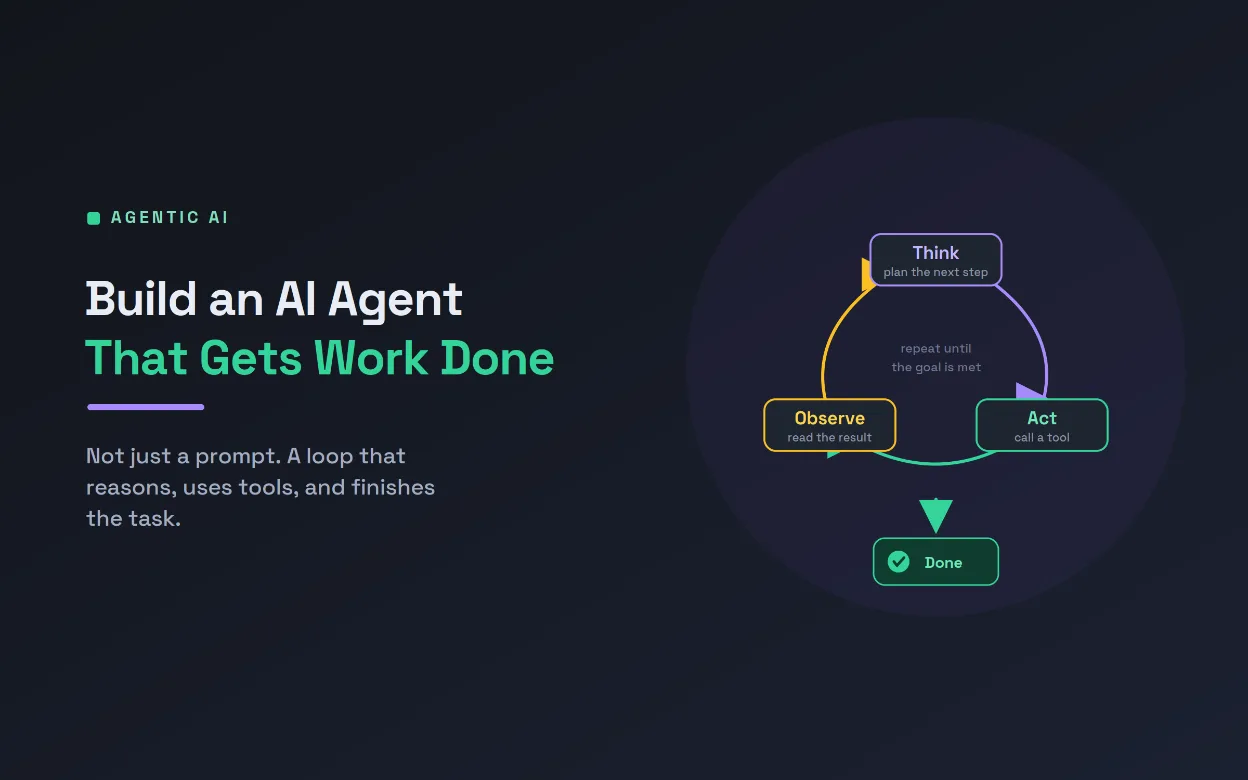
Build an AI Agent to Automate a Real Task
An AI agent is not a chatbot, it is an LLM in a loop that reasons, calls tools, and works until a task is done. This technical guide builds a real inbox-triage agent step by step, with tool schemas, the agent loop, permissions, and production guardrails.
Aug 05, 20262 views
AI Development10 min read
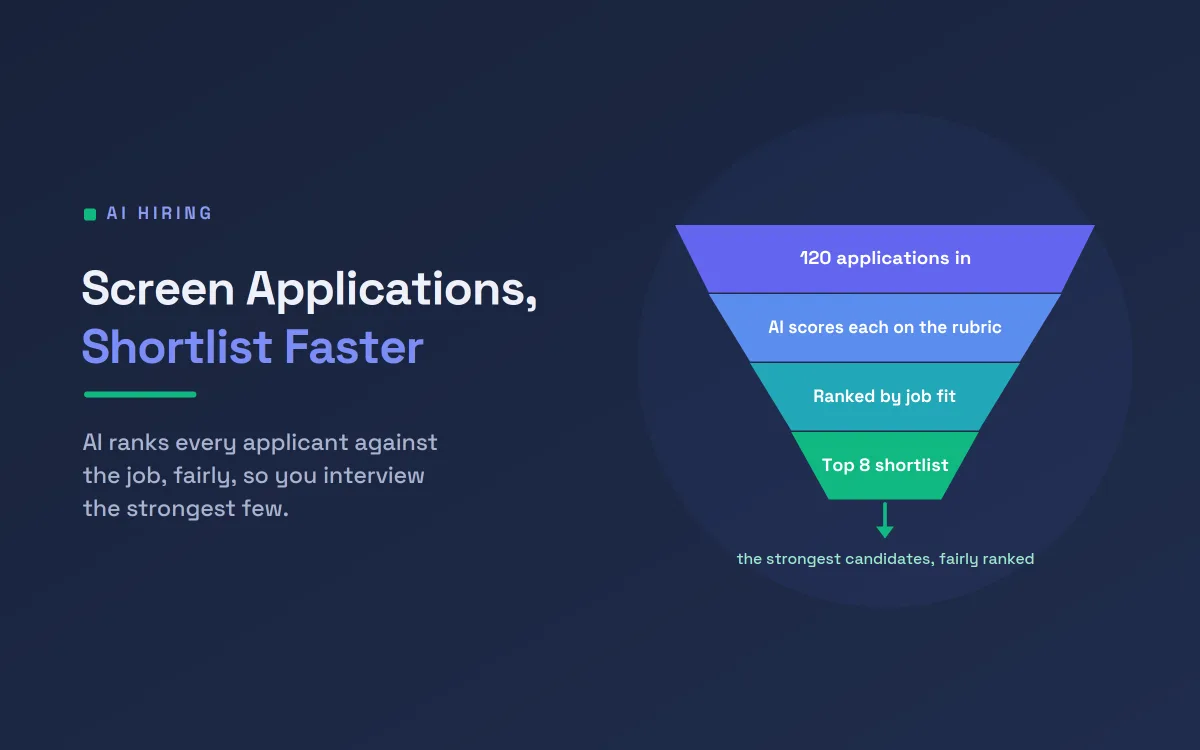
Screen Job Applications Faster With AI Shortlisting
A single open role can draw hundreds of applications. This guide shows how AI resume screening ranks candidates on job-relevant criteria, with the fairness safeguards and human oversight that responsible hiring demands, so your team spends its time on the strongest few.
Jul 18, 20262 views
AI Development9 min read
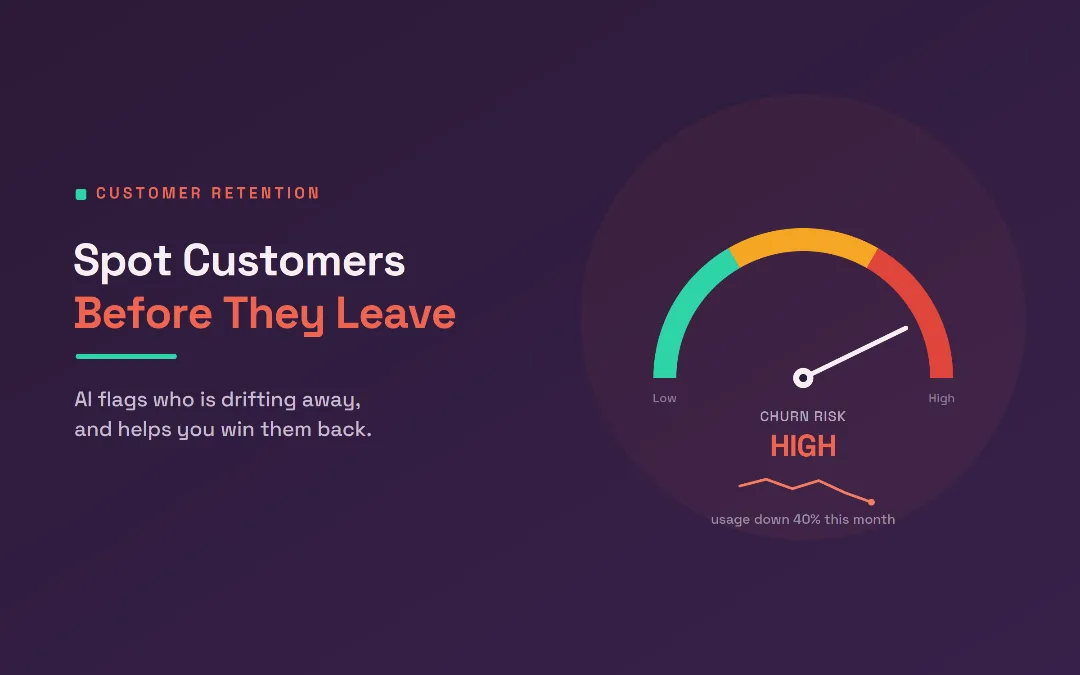
Predict Customer Churn and Win Them Back With AI
Most customers leave quietly, without a complaint. This guide shows how AI predicts customer churn from the small signals that come before someone cancels, then drafts a personal win-back message, so your team can act while there is still time.
Jul 13, 20260 views